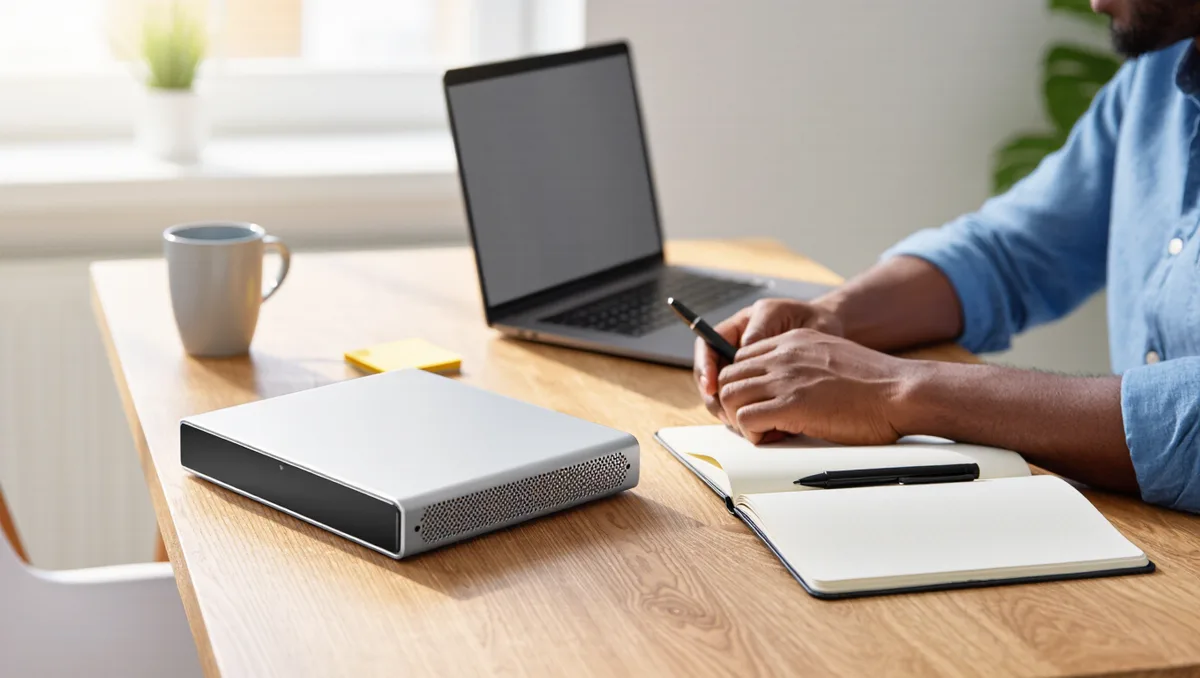
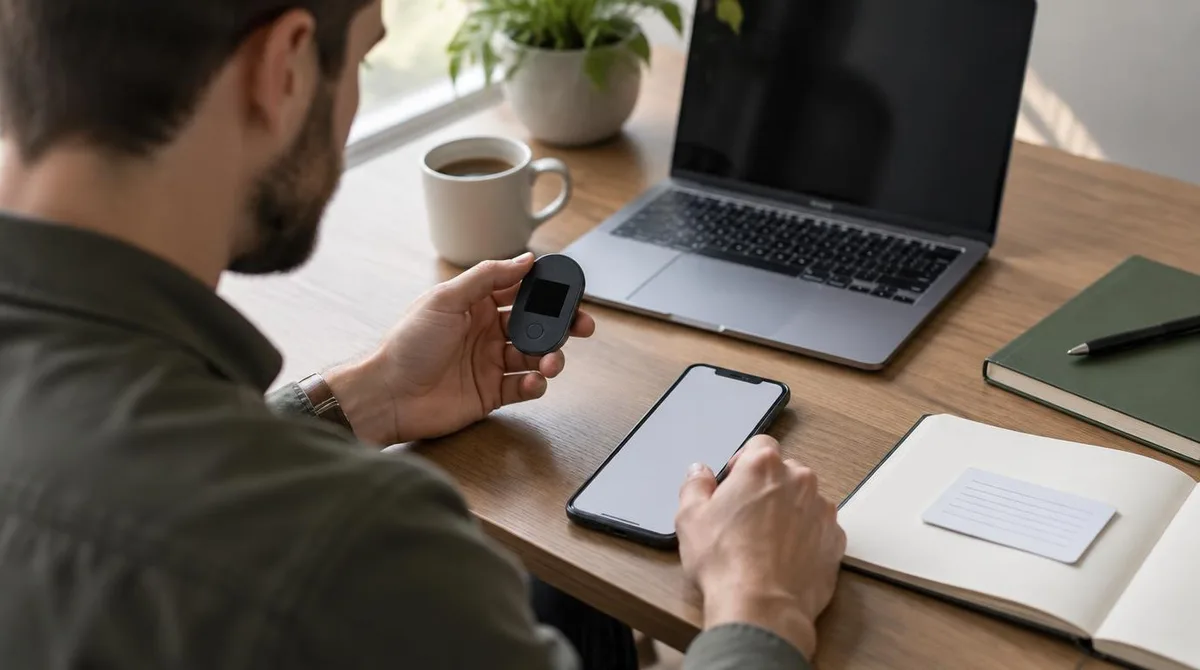
Before you connect a wallet to any Web3 app, ask the uncomfortable question first: if the app, the browser, or your computer turns out to be compromised, how much of your money is reachable in one bad click? A hardware wallet is the standard answer to that question. It is a small dedicated device that holds your private keys — the secret codes that control your funds — and signs transactions without ever exposing those keys to your computer.
The idea borrows from ordinary computing. As Wikipedia explains, hardware is the physical part of a computer — the processor, memory, storage and connected devices — while software is the set of instructions that runs on it. A hardware wallet applies that split deliberately: the keys live in dedicated hardware, and the risky software layer never touches them.
What exactly does a hardware wallet do?
A hardware wallet does two jobs. It stores your private keys in a sealed device, and it signs transactions when you approve them by pressing a button on the device itself. The signed result goes back to your computer, which broadcasts it to the network. Your keys never leave the device.
That separation matters because the usual way people lose funds is not the blockchain being broken. It is the software layer: a fake app, a malicious browser extension, a phishing site that tricks you into signing something you did not mean to sign. A signing device cannot stop you from approving a bad transaction, but it puts the final approval on a screen you control, outside the computer that may be infected. This connects to our earlier piece, Oracles in Blockchain: How Smart Contracts Get Real-World Data.
Think of it like a safe in a busy office — the analogy breaks down here: a safe hides valuables, while a hardware wallet still needs to interact with the outside world every time you transact. Its protection is about where the keys live, not about hiding anything.
When is a dedicated device worth it?
The honest answer scales with what you hold and what you do. There are three broad situations.
- Meaningful, long-term holdings. If you hold assets you could not afford to lose and you do not trade them often, a dedicated signing device is the standard recommendation. The device cost buys a permanent reduction in what a single compromised computer can steal.
- Active use of apps and DeFi. If you regularly connect to dApps, swap tokens, or interact with smart contracts, you face more signing prompts, and each one is a chance to approve something harmful. A device with a readable screen lets you check what you are actually approving before you sign.
- Small experiment amounts. If you are learning with a small balance you treat as tuition, a hardware wallet may add friction without adding much protection to a small sum. A reputable software wallet with clear habits may be enough while you learn.
One qualification belongs in every version of this advice: self-custody is never risk-free. A hardware wallet protects your keys, but you become responsible for backup, recovery and careful approval. Lose the recovery phrase and the device, and the funds are gone. Nothing here is a reason to buy any asset, either — crypto assets can lose most or all of their value quickly, and the security stack protects what you already chose to hold.
How does it fit the rest of the stack?
A hardware wallet is one layer, not the whole stack. The layers around it do most of the daily work.
- Software wallet as the interface. Most browser wallets and mobile apps can connect to a hardware device. The app handles balances, addresses and network selection; the device handles signing.
- Backup of the recovery phrase. The seed phrase — the word sequence that can restore your keys — should be written down offline, never photographed, never typed into any website. This is the layer people fail at most often.
- Device and computer hygiene. Keep the device's firmware updated through its official software, and treat the computer you connect it to as the threat surface it is.
- Behavioral rules. Check the full transaction details on the device screen, not just the amount. Beware of any site that asks for your seed phrase; no legitimate service ever needs it.
The same physical-versus-software split runs through all of computing. As InvGate's IT guide puts it, hardware sets the limits of what is physically possible while software determines what is done within those limits. In a Web3 security stack, the hardware wallet moves your most critical secret out of the software layer entirely.
How do you integrate one without breaking your workflow?
The fear most people have is that a dedicated device makes Web3 unusable. In practice the friction lands in a few predictable places, and each has a workable answer.
- Every transaction needs the device. You will plug in or pair the device and confirm each transaction. That is the point, not a bug. If the friction is too much for frequent small actions, some people split funds: a small hot-wallet allowance for daily activity, the rest behind the device.
- App connections. Most dApps connect through your normal wallet app, which talks to the device in the background. You rarely change how you use the app; you only change where approval happens. Our guide to what a dApp is and how it differs covers that connect-and-sign flow.
- Multiple chains and accounts. One device can hold many accounts across networks. Set up the accounts you need in advance so you are not improvising during a busy moment.
- Recovery planning. Decide before you need it: where the backup lives, who could reach it in an emergency, and how it is protected. A backup stored carelessly undoes the device's protection.
What this means practically: the device adds a step to signing, not a new system to learn. The workflow you already have — browser wallet, apps, approvals — stays; the approval moment moves somewhere safer.
What a hardware wallet cannot fix
Being clear about limits is the part most coverage skips.
- It cannot stop you from approving a scam. If you are tricked into signing a malicious approval, the device will faithfully sign it. The screen helps you notice, but the judgment is still yours.
- It does not protect assets left on exchanges. Custodial balances are controlled by the exchange's keys, not yours. The trade-offs between the two models are laid out in our comparison of custodial vs. self-custody wallets.
- It does not make the seed phrase safe by itself. The phrase can restore your wallet on any device, which is why anyone who learns it can take everything.
- It does not remove volatility risk. The device protects the keys; it has no opinion on what the assets are worth.
The broader context matters too. Web3's promise and its shortcomings sit side by side, as our overview of what actually works in Web3 argues; a security stack is one of the places where the technology genuinely does what it claims.
Where this leaves you
The evidence points to a simple rule of thumb. The more you hold and the more apps you use, the more a dedicated signing device earns its place — because it moves the single most valuable secret out of the most-attacked layer of your setup. The less you hold, the more the backup discipline and approval habits matter relative to the device itself.
What remains unknown is device-specific: firmware quality, screen readability and app compatibility vary between products and change over time, so check current documentation for any device before you buy. And keep the order of operations straight: secure the backup, learn the approval habit, then scale up what you hold. The device is a component, not a guarantee.