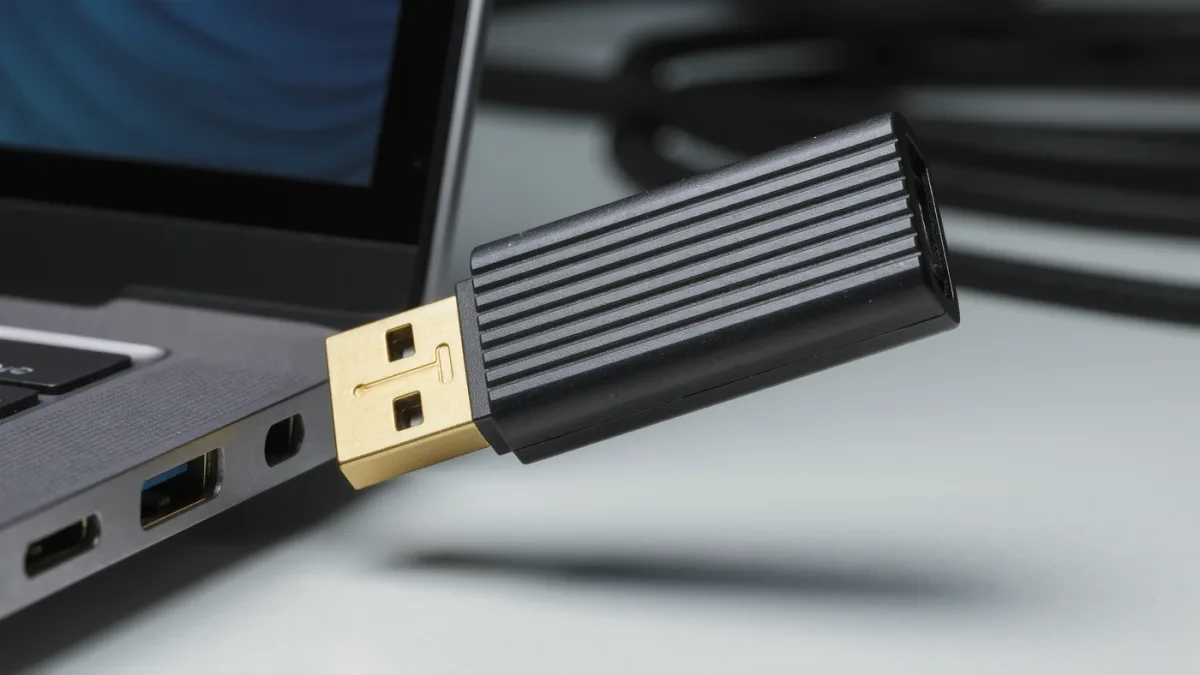
A hardware wallet is a small device that stores your private keys offline and signs transactions inside itself, so the keys never touch your computer. That protects the keys. It does not protect you from confirming a malicious transaction, trusting a screen that lies to you, or talking yourself out of your own funds.
Self-custody with a hardware wallet is a trade-off, not a risk-free setting, and this guide lays out both directions of that trade.
What does a hardware wallet actually protect against?
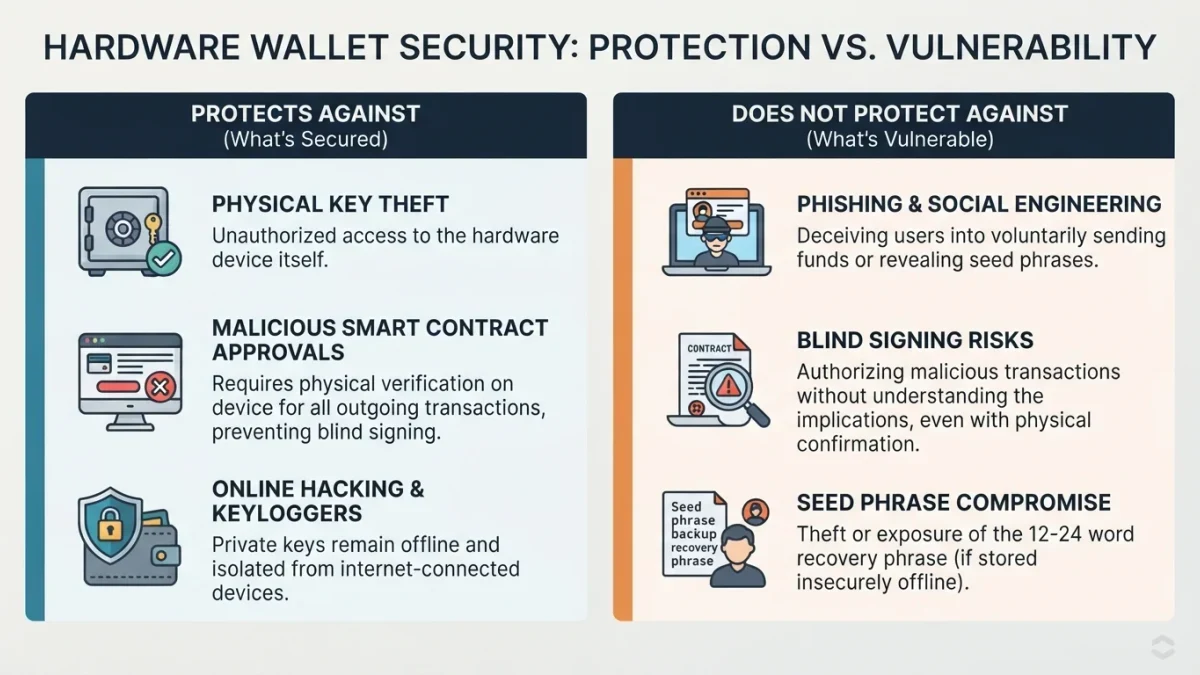
It protects against key theft: malware, phishing pages, and remote attackers cannot read keys that never leave the device. When you approve a transaction, the device signs it internally and returns only the signature. Anyone who controls your computer does not, on that alone, control your funds.
The core idea is isolation. A private key is the secret code that controls a wallet, and on an ordinary computer it lives in memory that malware can read. A hardware wallet moves that secret into a dedicated chip that answers exactly one question — 'does the person holding this device consent to signing this?' — and never exports the key itself.
This is why the device matters most against attacks you never see: clipboard malware swapping addresses, fake browser extensions, keyloggers, poisoned links. None of them can extract what the computer is never given.
What doesn't it protect against?
It doesn't protect against decisions you make yourself: approving a malicious contract, sending to a swapped address, or reading the recovery phrase aloud during a convincing 'security check' call. The device verifies your consent, not your intent. It also can't stop someone who physically coerces you.
Notice the pattern. Every failure mode on that list routes through an action you took while perfectly calm about the device itself. The industry's blunt summary is that a hardware wallet protects the keys, not the human — and most large losses at hardware-wallet users trace to the human side of that split.
What is blind signing, and why does it matter so much?
Blind signing is approving a transaction whose details your device shows as an unreadable hash instead of plain terms. You are confirming 'this exact data' without seeing what it does. If that data is a token approval or a transfer, you have signed precisely the thing attackers wanted — with the keys fully protected the whole time.
Most hardware wallets ship with contract-data display off by default, because decoding smart-contract calls makes confirmation screens slower and busier. Turning it on, where the wallet offers it, means the screen shows you the spender, the token, and the amount of an approval instead of a wall of hexadecimal. That is the difference between reading the contract and trusting the website's summary of it.
The caveat cuts both ways: with contract data off, some DeFi interactions simply won't confirm; with it on, the screen gets dense and fatigue sets in. Read the fields that matter — amount, spender, recipient — and treat everything else as secondary.
How do attackers get around a hardware wallet?
Not by cracking the chip, usually — by changing what you see and what you believe. Four routes do most of the damage.
- The swapped address. Malware on the computer alters the destination shown on screen. The hardware wallet displays the true address; that display only helps if you actually compare it, character by character, every time.
- The unread approval. A hostile site asks you to connect and confirm something that looks routine. The device shows the truth, but a hash-level confirmation or a tired reader defeats it.
- The fake emergency. A caller or page posing as wallet support walks you through 'verifying' your recovery phrase on a lookup form. No legitimate support, for any wallet maker, will ever ask for the phrase.
- The pre-seeded device. A second-hand or 'discounted' wallet arrives with a recovery phrase already printed 'for convenience.' Only the seller knows that phrase. Buy new, direct from the manufacturer, and generate your own phrase on first setup.
How should I use one, day to day?
Treat the device screen as the only part of the setup that tells the truth, and build habits around reading it.
- Buy new, from the manufacturer. Marketplace and second-hand units carry the pre-seeded trap above; the discount is not worth it.
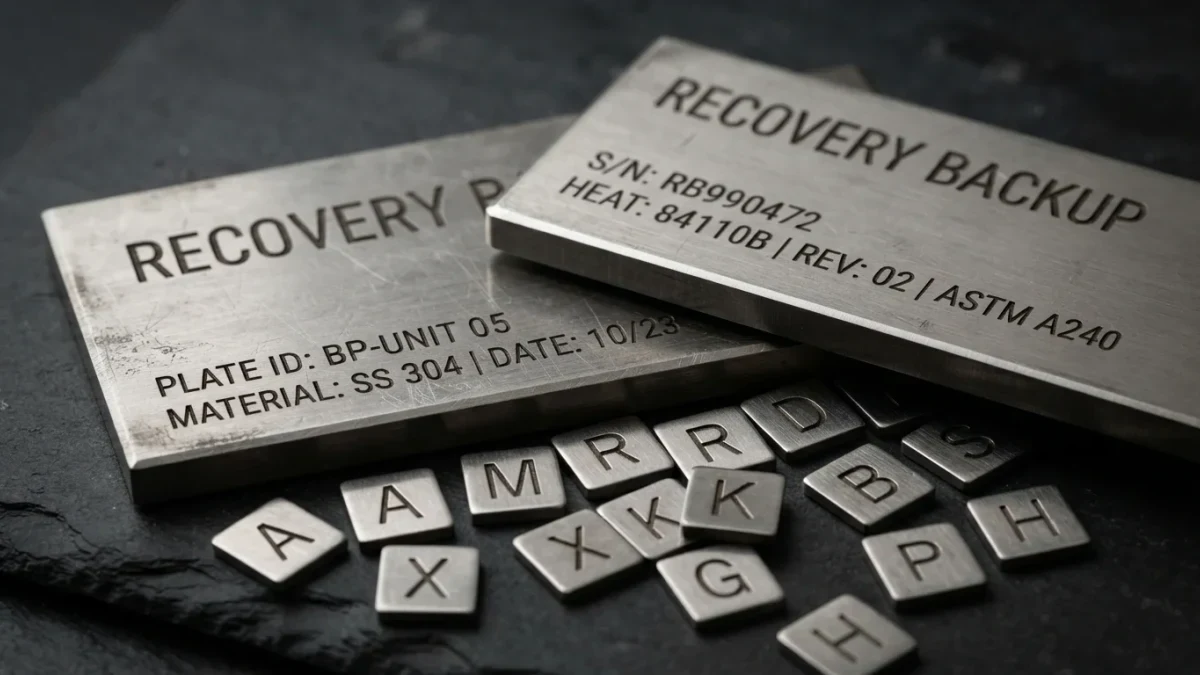
- Generate the recovery phrase on the device and write it offline. Paper or steel, never a photo, never a cloud note, never typed into any 'verification' page — the moment a phrase exists digitally, the hardware wallet's isolation is gone.
- Read every confirmation on the device screen. Amount, token, recipient. If the website and the screen disagree, the screen wins and the session stops.
- Verify recipient addresses on the screen. Compare the first and several middle characters, not just the start and end — look-alike addresses are engineered to match exactly the parts people check.
- Test with a small amount first. A new device, a new chain, a new contract — send a trivial transfer, confirm it arrived, then send the rest.
Threat by threat, what's the honest scorecard?
Here is the same information compressed into one table — what the device stops, what it doesn't, and what depends entirely on you.
| Threat | Hardware wallet's answer |
|---|---|
| Malware stealing keys from your computer | Stopped. Keys never reach the computer. |
| Phishing that asks for the recovery phrase | Not stopped. The phrase leaves only if you give it. |
| A malicious approval you confirm | Not stopped. The device obeys your confirmation. |
| Address swapped by malware | Caught only if you compare the address on the device screen. |
| Physical coercion | Not stopped. No device solves this. |
Is self-custody with a hardware wallet 'safe,' then?
It's a trade, not an upgrade with no downside. You gain protection from remote key theft and lose the safety net of an institution: exchanges can reset logins, reverse mistaken support actions, and freeze withdrawals during an incident; a hardware wallet offers none of that. A lost device with a lost recovery phrase means lost funds, full stop.
The standard line is that you become your own bank. The analogy breaks down quickly: banks carry insurance, staffed hotlines, and reversible transfers, while you carry a chip, a piece of steel, and total responsibility. People who accept that consciously tend to do well with hardware wallets; people who want someone to call when things go wrong tend not to.
If you take nothing else from this guide, take the asymmetry: the device defends the keys, you defend the decisions, and attackers long ago stopped attacking the keys.