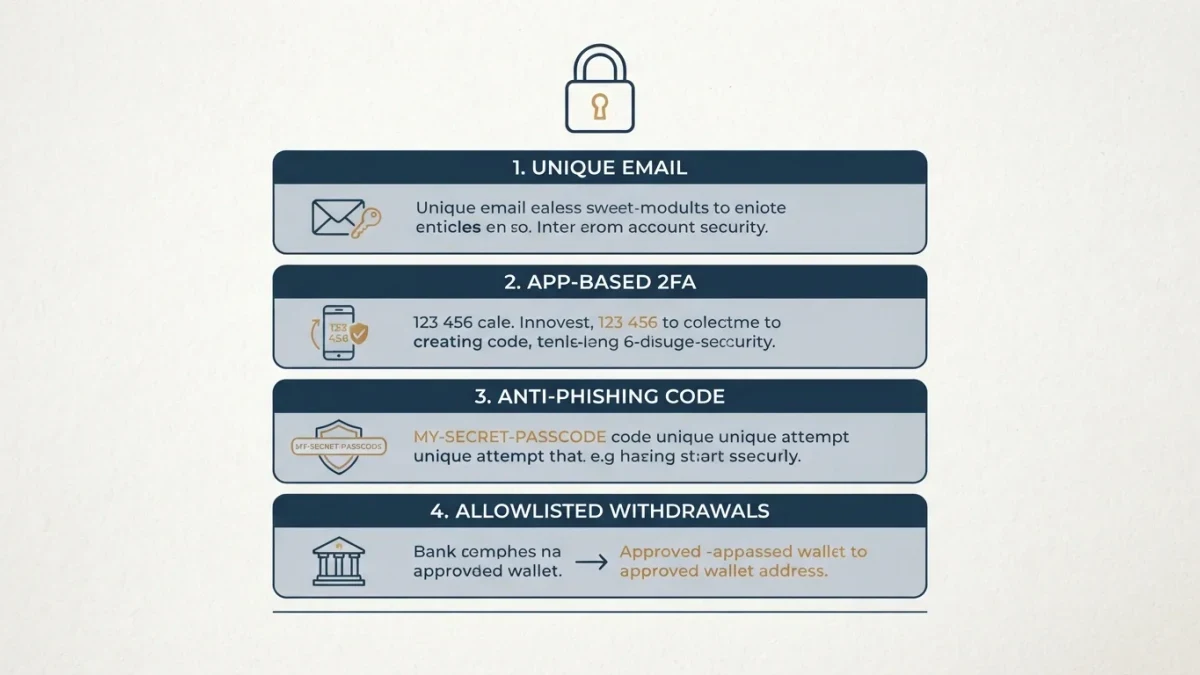
You secure a crypto exchange account by replacing SMS-based two-factor authentication with an authenticator app or hardware key, setting the exchange's anti-phishing code, restricting withdrawals to addresses you pre-approve, and using a dedicated email address. Each layer narrows an attacker's options; none makes the account unstealable, and none protects against the exchange itself failing.
Interface names and menu paths differ by exchange and change with updates — if a setting described here sits elsewhere on your platform, the security logic still applies.
Why is SMS-based 2FA the weak link?
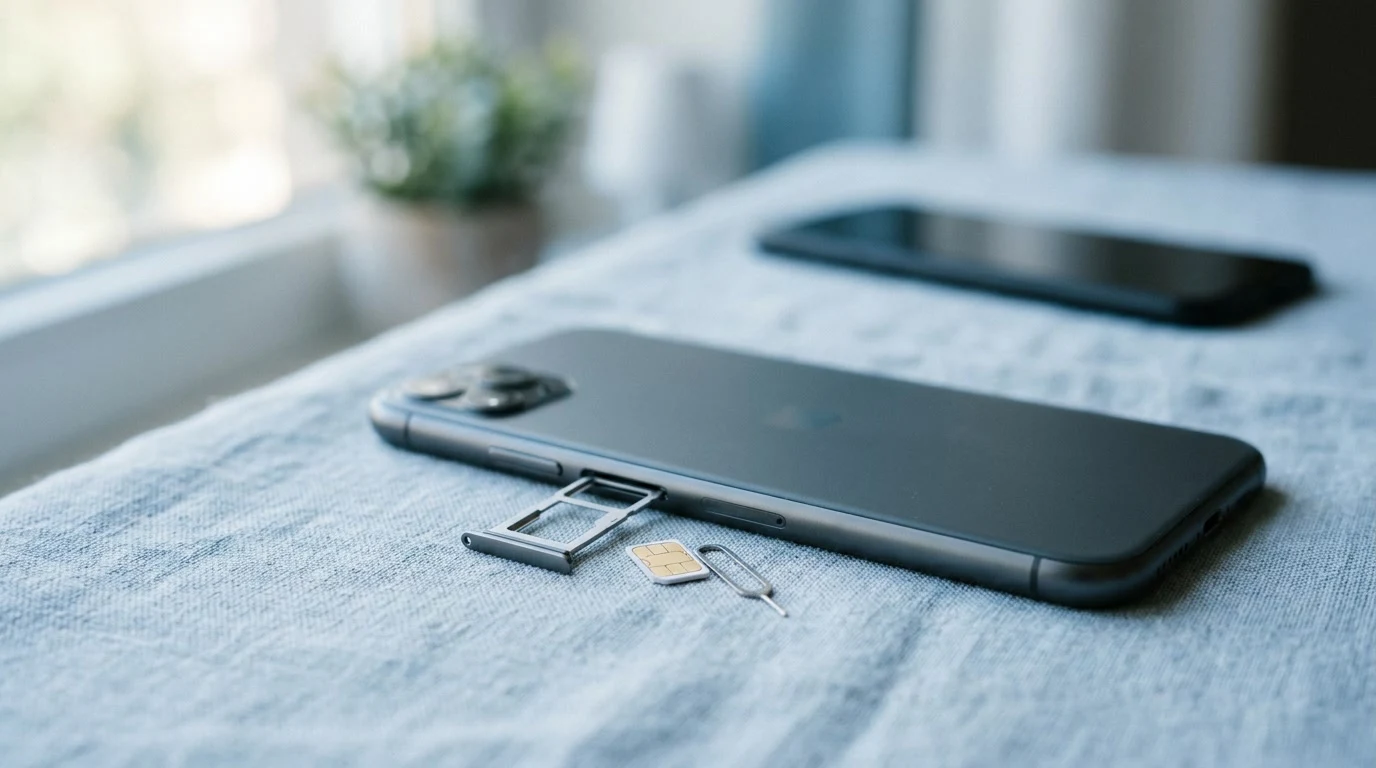
Because phone numbers can be moved. In a SIM-swap attack, the attacker convinces or bribes a carrier to port your number to their SIM, then receives your SMS codes directly. Regulators including the FTC have warned about this for years. Authenticator apps and hardware keys generate codes on a device, not a phone number.
A password is something you know; an SMS code is something your phone number receives. Once the number moves, the second factor moves with it — which is why the attack targets the carrier, not the exchange. Lawsuits and regulatory attention around account takeovers have pushed most major exchanges to offer stronger alternatives, and picking one is the first step below.
The alternatives are unglamorous: an authenticator app on your phone generating rotating codes, or a hardware key you plug in. Both bind the second factor to a physical object you hold. CISA's guidance on multi-factor authentication is a solid neutral read on the trade-offs.
How do I harden my account, step by step?
Work top to bottom — the earlier steps protect you while you set up the later ones. Expect the whole sequence to take under an hour.
- Move 2FA to an authenticator app or hardware key. Before you remove SMS, save the backup codes the exchange shows you — on paper, offline. Anyone who finds those codes bypasses 2FA, so store them exactly as carefully as a password; lose both the device and the codes, and you face a days-long identity-verification process to get back in.
- Set the anti-phishing code. This is a word or phrase the exchange embeds in every genuine email it sends you. Mail that claims to be from the exchange and lacks the code is fake — delete it. Caveat: presence of the code is not a license to click links in emails; go to the site through your bookmark instead.
- Move the account to a dedicated email address. One used for nothing else, with its own unique password stored in a password manager. Caveat: reuse anywhere else re-couples the exchange to whatever breach touches that other service — the separation only works if it is total.
- Allowlist your withdrawal addresses. With this enabled, withdrawals go only to addresses you added in advance. Turn on the withdrawal cooldown if offered — a waiting period before a newly added address can receive funds. Caveat: an attacker sitting in your account can still try to add their own address; the cooldown is what converts that attempt into a notification you can act on, so keep exchange alerts switched on.
- Audit active sessions, devices, and API keys. Old trading-bot or portfolio-tracker keys retain the permissions you granted at creation, sometimes including withdrawal rights. Revoke everything you don't actively use, and repeat after any spring cleaning of connected apps.
- Bookmark the exchange's real domain and use only that. Everything above collapses if you type your hardened password into a look-alike page. Verify the domain once, carefully, then let the bookmark do the work.
What can't these settings protect against?
They can't protect the exchange's own custody. Your account settings govern your slice of a platform; if the exchange is hacked, insolvent, or freezes withdrawals, strong personal settings don't reach it. On an exchange you don't hold the private keys — you hold a claim. That trade-off is the price of convenience, and it's real.
History offers the examples: platform-level failures and halts have hit exchanges large and small, and no user-side setting has ever slowed one down. This isn't a reason to avoid exchanges — it's the reason to know which layer of the stack your security actually controls. Your settings defend the door to your room; the building's front gate is somebody else's.
It's also why the standard advice for amounts you can't afford to be locked out of is to hold some of your funds in self-custody — which trades platform risk for the full personal responsibility of key management, and is a trade with its own failure modes, not an upgrade with no downside.
How do I know a real exchange email from a fake one?
The anti-phishing code does the heavy lifting, but the ordering of habits matters. Genuine mail carries your code; fake mail urges action — 'unusual login, confirm now,' 'withdrawal pending, cancel here.' The professional move is to never act from the email at all: read the claim, then open your bookmarked exchange page and check whether the event exists there. A login warning that exists only in email, and not in the account's notification history, was never real.
What are the signs someone is already inside?
Unfamiliar login alerts, changed notification settings, new API keys, small test withdrawals, or withdrawal-address changes you didn't make. Small test withdrawals deserve special attention — professionals verify that a drain works before running it. If you see any of these: change the password from a clean device, revoke sessions and API keys, remove addresses you don't recognize, and report the takeover — in the U.S., to the exchange first and to the FTC's fraud portal.
Then find the door the attacker used, because every setting above assumes they aren't already holding your credentials. A reused password, a phished login, an over-permissioned API key — one of these usually explains the visit, and until it's closed, the new password guards a door with a hole in it.